Small objects — a screw, an earring, a SIM card, a resistor — are exactly the things you need to measure when a ruler is nowhere in sight. Here are the methods that actually work, ranked from “good enough” to genuinely precise.
Method 1: Everyday Objects of Known Size
Several things you probably already have are manufactured to fixed, standard dimensions:
- A credit, debit, or ID card — 85.60 × 53.98 mm (ISO/IEC 7810 ID-1 standard worldwide).
- A US quarter — 24.26 mm diameter.
- A US penny — 19.05 mm diameter.
- A sheet of A4 paper — 210 × 297 mm.
- A US Letter sheet — 8.5 × 11 in.
Lay the small object next to one of these, take a photo directly from above (to avoid angle distortion), and compare proportionally. It's rough, but it works in a pinch with zero tools.
Method 2: A Calibrated Screen as Your Ruler
This is the most practical option if you have a phone or laptop nearby, but there's a catch worth understanding: your screen is not accurate out of the box. Browsers default to assuming 96 pixels per inch, and real screens vary wildly from that — a high-resolution laptop panel can be off by 30% or more if left uncalibrated.
The fix is to calibrate first, then measure:
- Open a screen-calibrated ruler tool like RulerGo.
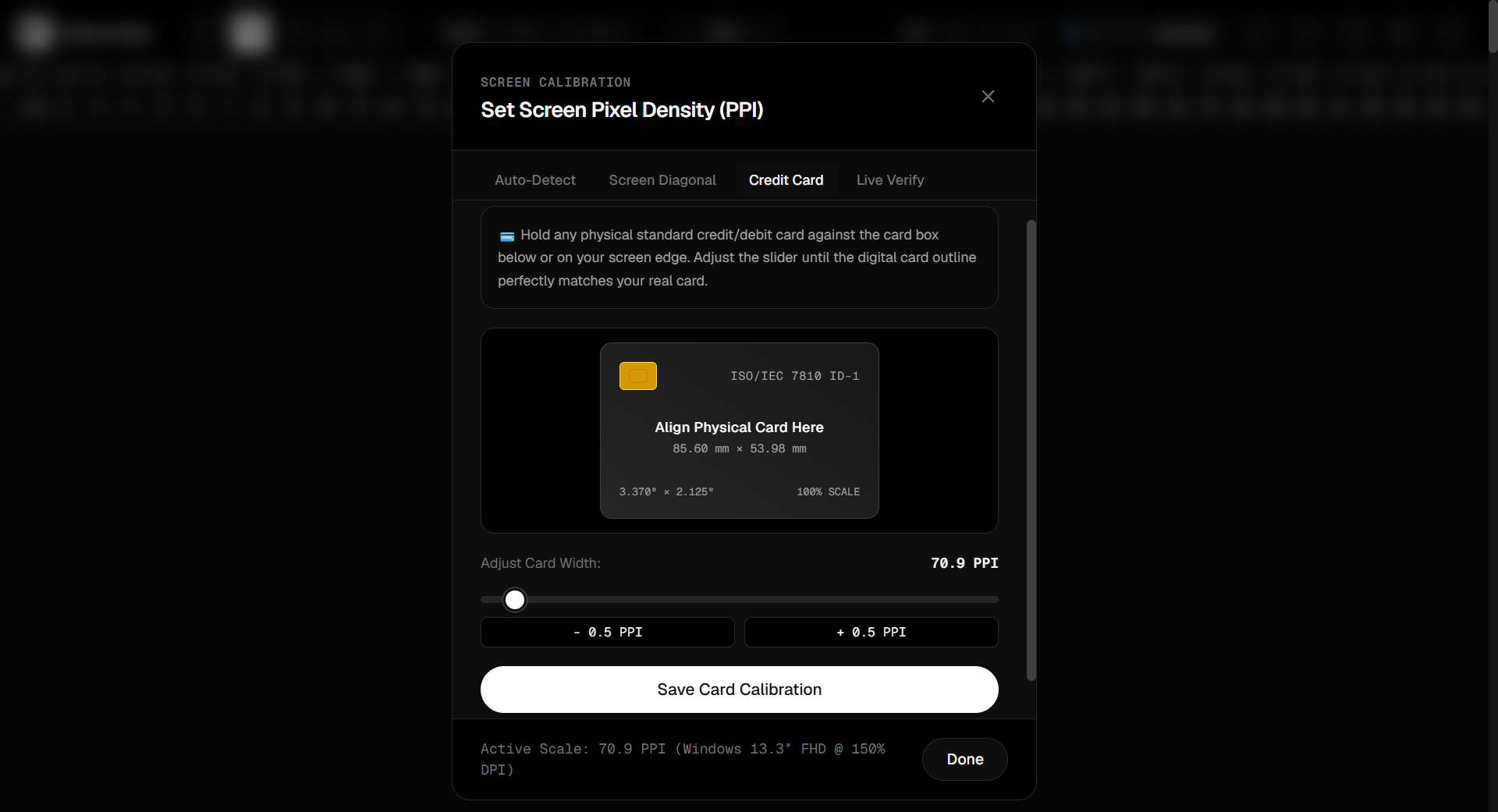
- Let auto-detect match your device, or calibrate manually using your screen's diagonal size or a real credit card held against the screen.
- Place your small object directly against the screen glass, aligned with the zero mark.
- Switch to millimeter mode for the finest graduations — RulerGo marks every individual millimeter, which is far more useful for tiny objects than centimeter-only scales.
Method 3: A Digital Caliper for Objects You Can't Hold Flush to the Screen
Some small objects — a ring, a bolt head, a phone case — aren't easy to press flat against a screen. For these, a bounding-box style digital caliper works better than an edge ruler:
- Photograph the object next to a reference item of known size (a coin or card) on a flat surface, shot straight down.
- Open the photo, or view the physical setup directly on camera through a video call/second device positioned above your desk.
- Use caliper mode (drag a box around the object) to read width, height, and diagonal simultaneously, calibrating the scale against the reference object in frame.
Method 4: String or Paper Strip + Screen Ruler
For small round or irregular objects (a ring, a bead, a bottle cap), wrap a thin strip of paper or string around it, mark where it overlaps, then lay that strip flat against your calibrated on-screen ruler to read the length. Divide by π (3.14159) to get the diameter if you measured circumference.
Which Method Is Most Accurate?
For anything under about 5 cm, a calibrated on-screen ruler or digital caliper set to millimeter mode beats eyeballing proportions against a coin or card. The reason is simple: once your screen is calibrated, its tick marks are as fine as a real millimeter ruler, and you can zoom your view or use fullscreen mode to line things up precisely.
FAQ
What household object is closest to exactly 1 inch?
A US quarter's diameter (24.26 mm) is close to but not exactly 1 inch (25.4 mm) — good for a rough estimate, not for precision work. A credit card's short edge (53.98 mm) is a better anchor since it's a fixed international standard.
Can I measure something smaller than a millimeter this way?
Screen-based methods are reliable down to about 0.5 mm depending on your display's pixel density. For anything finer, a physical caliper or microscope-based tool is more appropriate.
Is it accurate to measure directly on a phone screen?
Yes, once calibrated — phone screens typically have very high PPI, which actually gives you finer graduations than many laptop screens, as long as the calibration step is done first.