It sounds like an easy question: a physical ruler is a physical object with real markings, so surely it beats a picture of a ruler on a screen. In practice, an online ruler is only as accurate as its calibration. Without calibration, a screen ruler can be wildly inaccurate, but once calibrated, it matches physical accuracy while offering digital convenience.
The Accuracy Question, Answered Honestly
A physical ruler is accurate by manufacturing default. Its inch and centimeter marks are printed at true scale, so as long as you read it correctly, error comes only from your eyesight and how precisely you align the edge.
An uncalibrated online ruler is a different story. Browsers default to treating 96 pixels as one inch, which almost never matches a real screen's pixel density. Depending on your device, that can throw off measurements by anywhere from a few percent to well over 50%.
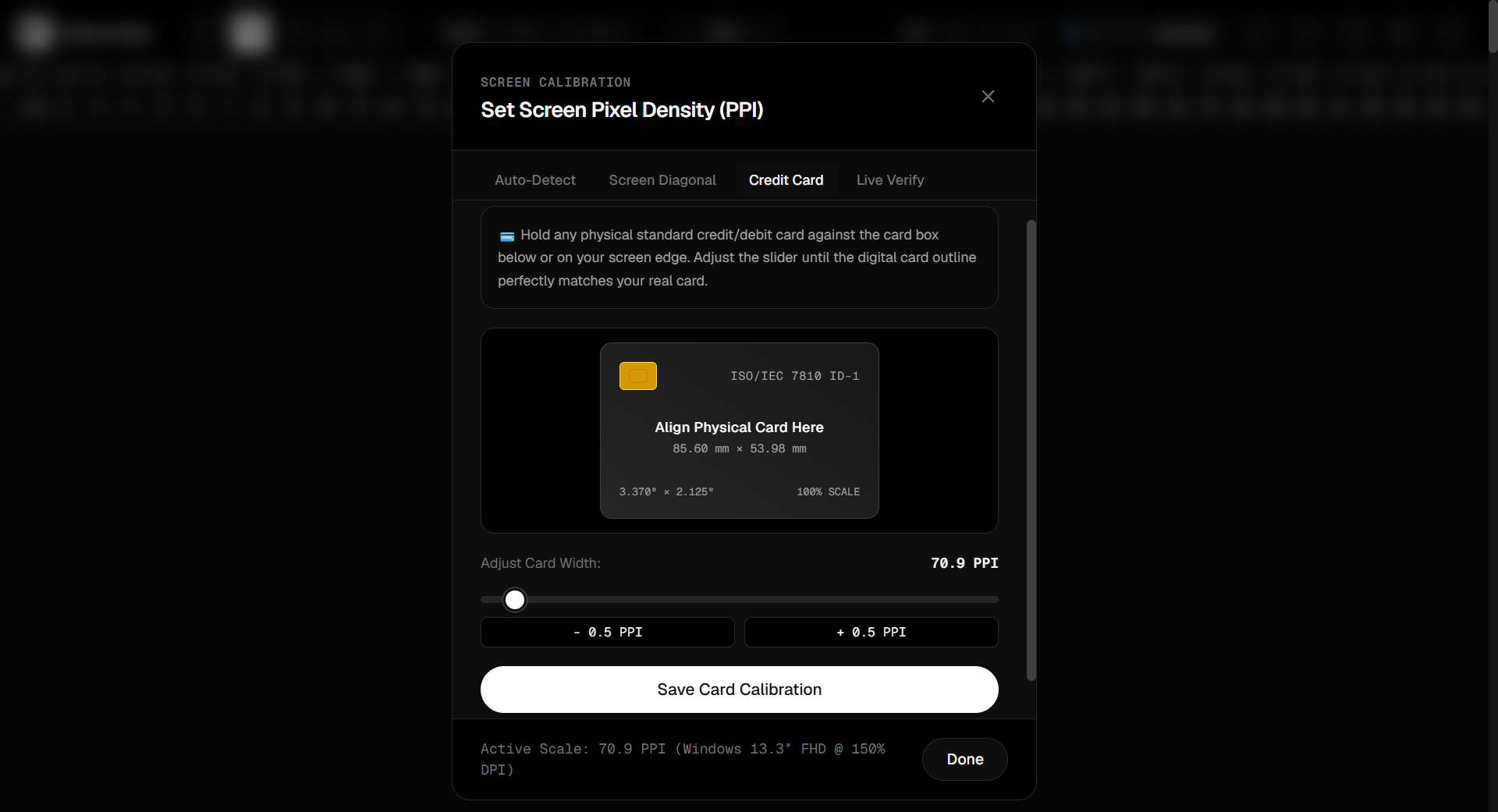
A calibrated online ruler flips this entirely. Tools like RulerGo detect your screen's actual pixel density — through auto-detection, your exact device model, your screen's diagonal size, or by matching a real credit card against the screen — and then draw every tick mark to true physical scale. Once calibrated, an online ruler's accuracy is comparable to a physical one, and you can verify it yourself using a coin or card in the tool's Live Verify check.
Where a Physical Ruler Still Wins
- Length beyond your screen. A 12-inch physical ruler measures 12 inches in one pass. An on-screen ruler is limited to your screen's physical dimensions, so long objects need to be measured in segments.
- No device required. A ruler works with zero battery, zero internet connection, and zero setup.
- Tactile precision for drafting. Some drafting and cutting work benefits from a rigid physical edge you can also use as a straightedge for cutting or drawing lines.
Where a Calibrated Online Ruler Pulls Ahead
- Always available. If you have a browser open, you have a ruler — no digging through a drawer.
- Multiple units instantly. Switch between centimeters, millimeters, inches, and pixels with a keypress, with no separate metric/imperial rulers needed.
- More than one instrument. RulerGo combines a ruler with a digital caliper for width, height, and diagonal measurements, plus a 360° protractor for angles — three tools in one tab.
- All four edges at once. Activating top, bottom, left, and right rulers together lets you read an object's width and height in a single glance, without rotating the object.
- Pixel-accurate for design work. Checking CSS element sizing or UI spacing in true pixels calibrated to your screen isn't something a physical ruler can do at all.
So Which Should You Use?
If you're measuring something small to medium — jewelry, screws, fabric swatches, phone accessories, packaging, or checking a printed diagram's scale — a calibrated online ruler is just as accurate as a physical one, and considerably more convenient because it's already open in your browser alongside whatever you're working on.
For anything longer than your screen's usable measuring area, or when you're away from a computer entirely, a physical tape measure or ruler is still the practical choice.
FAQ
Can an online ruler really be as accurate as a physical one?
Yes, once calibrated to your screen's true pixel density. Uncalibrated, it can be significantly off; calibrated, the margin of error is typically well under 1 mm.
How do I know if my online ruler is calibrated correctly?
Use a verification step against a known-size object — a standard credit card (85.60 × 53.98 mm) or a common coin are reliable references.
Is a digital caliper on a screen as good as a physical one?
For 2D measurements like width, height, and diagonal of flat or on-screen objects, a calibrated digital caliper is very accurate. For tight mechanical tolerances or 3D depth measurements, a physical vernier or digital caliper is still the professional standard.
Do I need to buy anything to use an online ruler?
No — a calibrated online ruler like RulerGo is free, browser-based, and requires no signup or download.